
Personalized emails at scale using n8n, Gmail, and real-time Google Sheets
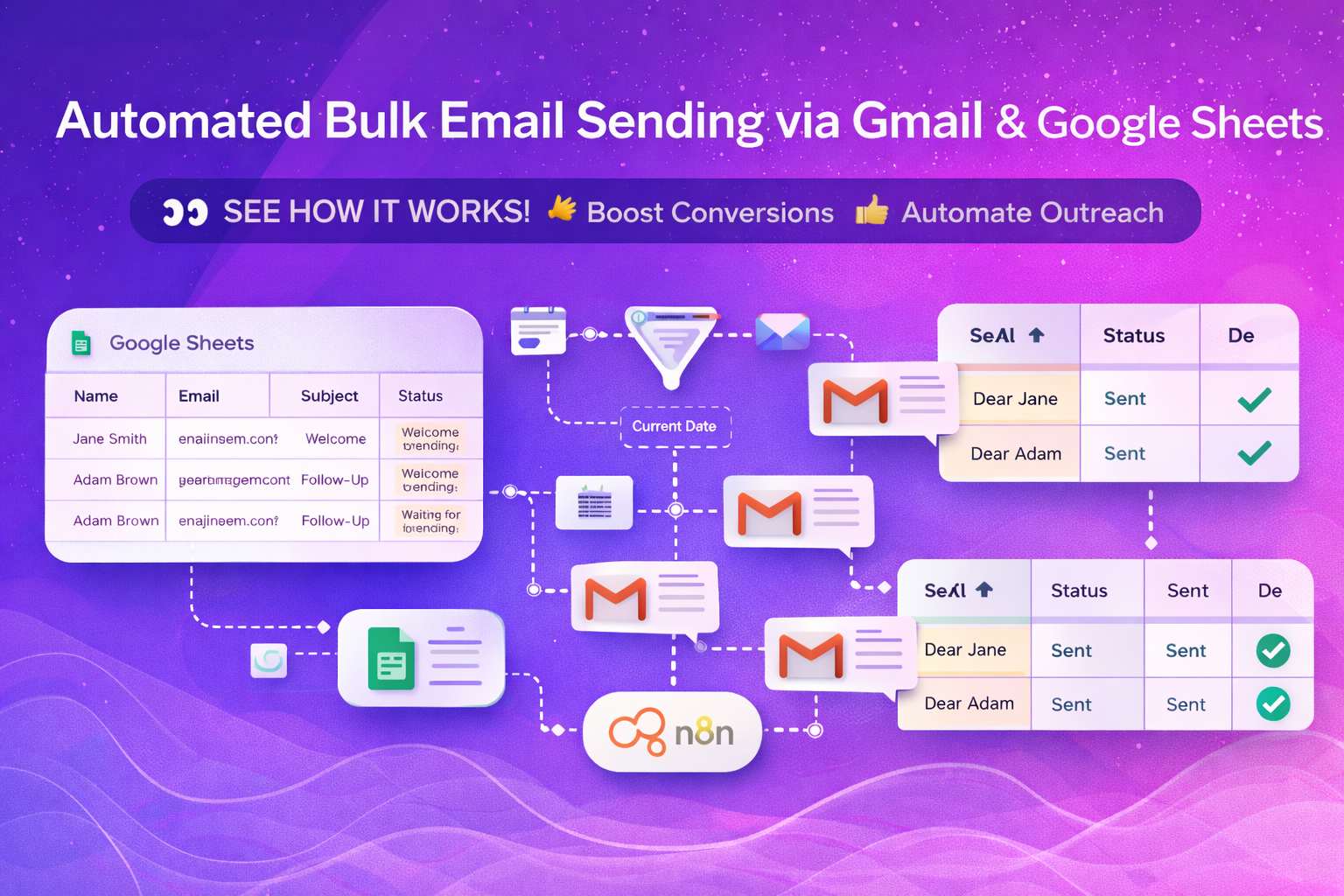
Automated Bulk Email Sending via Gmail & Google Sheets
This n8n workflow automates the process of sending multiple, personalized Gmail emails directly from data stored in Google Sheets. It monitors your sheet for eligible rows, applies date and status-based filters, sends emails automatically, and updates the sheet with delivery status—ensuring accuracy, consistency, and full visibility.
Industry
Marketing, Sales, Operations
Use Case
Email Automation & Customer Communication
Core Capabilities
Bulk email sending, Conditional logic & date-based filtering, Personalized messaging, Real-time status tracking
Automation Level
Fully Automated (Daily Execution)
Status
Production-Ready
What You Get?
You receive a fully automated email outreach system that eliminates manual sending and keeps your communication timely and organized.
Key benefits include:
- Automated bulk email sending via Gmail
- Google Sheets–driven personalization (name, email, message, etc.)
- Smart filtering based on status and current date
- Real-time email status updates inside Google Sheets
- Consistent and reliable customer communication
How It works?
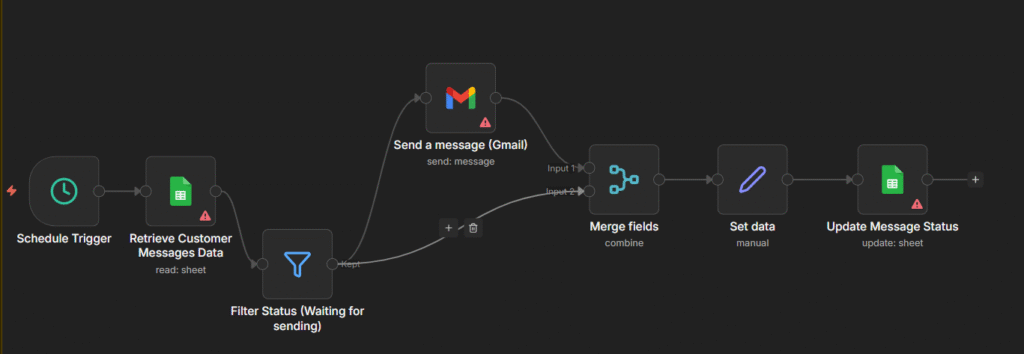
The workflow continuously monitors your Google Sheet and sends emails only when predefined conditions are met ensuring the right message reaches the right recipient at the right time
Workflow highlights:
- Google Sheets Trigger detects new or updated rows
- Filters rows with status “Waiting for sending”
- Date-based filtering ensures timely delivery
- Gmail node sends personalized emails automatically
- Google Sheets updates email status after sending
Conclusion
This workflow provides a simple yet powerful solution for businesses looking to automate email communication without complex tools or manual effort.
Requirements
- Saves time and reduces manual errors
- Ensures accurate, scheduled email delivery
- Improves customer engagement through personalization
- Keeps all communication tracked in one place