
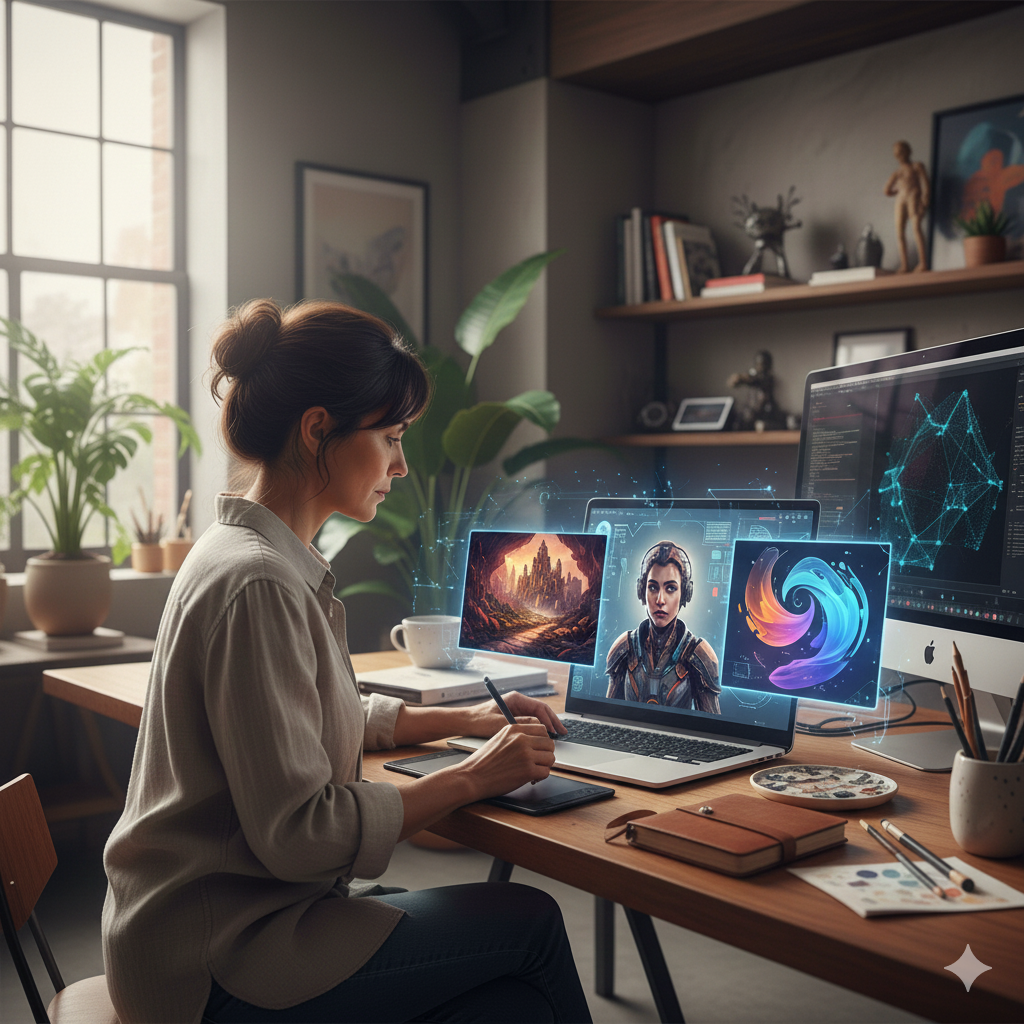
Art Ideas: A Guide to Efficient Image Generation with ChatGPT
Unlock endless art ideas with ChatGPT. Learn to generate concepts, refine visuals, and enhance your creative workflow with our guide to AI image generation.
Unlocking Creativity: Generating Art Ideas with AI in 2026
Every creative journey begins with a single spark—an idea. For artists, designers, and creators, this initial concept is the most crucial, yet often the most elusive, part of the process. Creative blocks are a real challenge, and finding fresh, compelling art ideas can sometimes feel like an uphill battle. What if you had an tireless creative partner, ready to brainstorm with you, suggest concepts, and help you visualize them in seconds? This is now possible with the image generation capabilities integrated into ChatGPT.
This guide will show you how to use ChatGPT as a powerful engine for generating not just images, but foundational art ideas. We’ll explore how to move beyond simple prompts to unlock unique concepts, refine your creative vision, and use AI to augment your artistic workflow. You will learn practical techniques for brainstorming, discover how specific features can enhance your creations, and see how this technology is being used in the real world. Finally, we’ll answer common questions to help you embrace AI as a collaborator in your artistic endeavors.
How ChatGPT Transforms the Hunt for Art Ideas
ChatGPT, powered by the DALL-E 3 model, is more than just a tool that turns text into pictures. It functions as a conversational partner, making it an exceptional brainstorming assistant. The key difference lies in its ability to understand context, interpret natural language, and iterate based on your feedback. This transforms the static process of searching for inspiration into a dynamic, collaborative dialogue.
Instead of endlessly scrolling through mood boards or stock photo sites, you can actively shape the art ideas you want to explore. The AI helps you bridge the gap between a vague notion and a concrete visual concept.
The Creative Brainstorming Loop
Understanding this workflow is the first step to mastering the tool for generating art ideas.
- The Seed of an Idea: You start with a simple thought, theme, or feeling. It doesn’t have to be a fully formed prompt. It could be as simple as “melancholy forest” or “futuristic cityscape.”
- Conversational Exploration: You present this initial thought to ChatGPT. The AI can then help you expand upon it. It might ask clarifying questions (“What time of day is it in the forest?”) or suggest thematic elements (“Should the cityscape have flying vehicles or a more grounded, cyberpunk feel?”).
- Generating Initial Concepts: Based on the conversation, ChatGPT creates detailed prompts for DALL-E 3 and generates a first set of visual art ideas. These images serve as a visual starting point for your creative process.
- Refinement and Iteration: This is where the real magic happens. You analyze the initial images and provide feedback. “I like the color palette in the first image, but can we make the mood less ominous and more mysterious?” or “Can you show me the same character from a different angle?” This iterative loop allows you to rapidly explore dozens of variations on your art ideas without starting from scratch each time.
This process makes generating art ideas more fluid and intuitive, allowing you to discover concepts you might not have considered on your own.
Key Features for Generating and Refining Art Ideas
To get the most out of ChatGPT for your creative projects, it’s important to understand the features that give you control over the visual output. Mastering these will help you generate more targeted and inspiring art ideas.
1. Conceptual Blending and Thematic Fusion
One of the most powerful ways to generate unique art ideas is by combining seemingly unrelated concepts. ChatGPT excels at this. You can ask it to merge different styles, themes, and subjects to create something entirely new.
- Prompt Example: “Create an art idea that blends ancient Egyptian mythology with a futuristic, cyberpunk aesthetic. The central figure should be a robotic Anubis guarding a neon-lit data server.”
- Another Idea: “Generate a visual that combines the style of Van Gogh’s ‘Starry Night’ with the subject matter of a bustling Tokyo street market at night.”
This technique pushes the boundaries of conventional thinking and can lead to truly original art ideas that serve as the foundation for a larger project or series.
2. Mastering Style and Artistic Medium
Your art ideas are not just about the subject matter; they’re also about the execution. ChatGPT allows you to specify a vast range of artistic styles and mediums, giving you precise control over the look and feel of your generated concepts.
Examples of Style-Driven Prompts:
- For a Graphic Look: “A bold, minimalist vector illustration of a tiger. Use a limited color palette of orange, black, and white.”
- For a Classic Feel: “A Renaissance-style oil painting of an astronaut looking out a spaceship window at a nebula.”
- For a Whimsical Vibe: “A soft, watercolor illustration of a village of treehouses connected by rope bridges, in the style of a children’s storybook.”
- For Photorealism: “A photorealistic macro shot of a dewdrop on a blade of grass, reflecting a sunrise.”
By being specific about the medium (“oil painting,” “charcoal sketch,” “3D render,” “linocut print”), you can guide the AI to produce art ideas that align with your preferred aesthetic.
3. Composition, Framing, and Camera Angles
A strong composition can make or break a piece of art. You can direct ChatGPT to frame your art ideas using professional cinematography and photography terminology. This adds a layer of sophistication to your concepts and helps you visualize them more dynamically.
- Wide Shots: “An establishing shot of a lone castle on a cliff during a storm, wide-angle cinematic view.” This helps generate ideas for grand, atmospheric scenes.
- Close-Ups: “A dramatic close-up shot of a dragon’s eye, with flames reflected in the pupil.” This is great for focusing on emotion and detail.
- Unique Angles: “A bird’s-eye view of a crowded medieval festival” or “A low-angle shot of a giant striding through a forest.”
Using this language helps you explore different perspectives for your art ideas, moving beyond standard, straightforward compositions.
4. Character and Concept Development with Seed IDs
For artists working on narrative projects like comics, illustrations, or game design, character consistency is key. ChatGPT’s Seed ID feature is a game-changer for this. Every image generated has a unique seed number. You can ask for this number and use it to create more art ideas featuring the same character or style.
- Step 1: “Generate a character concept for a space pirate: a woman with long, braided silver hair, a cybernetic arm, and a confident smirk.”
- Step 2: After you get a result you like, ask: “What is the seed ID for that image?”
- Step 3: “Using seed [insert number], create an image of the same space pirate in the cockpit of her spaceship.”
This feature allows you to build a portfolio of art ideas around a consistent character, exploring their world, expressions, and actions.
Benefits of Using AI for Generating Art Ideas
Integrating an AI partner into your creative process offers tangible benefits that go beyond simply speeding up image creation.
- Overcoming Creative Blocks: When you’re stuck for inspiration, ChatGPT can act as a limitless source of random, curated, or blended art ideas. Simply describing your mood or a vague theme can trigger a cascade of visual suggestions that can break you out of a creative rut.
- Rapid Visualization and Ideation: You can test out dozens of art ideas in the time it would take to sketch a single one. This rapid prototyping allows you to fail fast and discover promising directions more efficiently, saving you hours or even days of work.
- Expanding Your Creative Horizons: The AI can generate art ideas and stylistic combinations you might never have thought of on your own. It exposes you to new aesthetics and encourages you to experiment with different themes, helping you grow as an artist.
- Improving Client Communication: For commercial artists and designers, ChatGPT is an invaluable tool for aligning with a client’s vision. You can generate multiple art ideas based on a client’s brief and present them with visual options, ensuring everyone is on the same page before significant work begins.
- Democratizing Art Creation: Not everyone has the technical skill to perfectly render the art ideas in their head. ChatGPT lowers the barrier to entry, allowing anyone to visualize their concepts and participate in the creative process, whether for a personal project or a professional one.
Practical Applications: Real-World Use Cases for Art Ideas
The applications for AI-generated art ideas span across numerous creative fields. Here’s how professionals are putting it to work.
Digital Artists and Illustrators
Artists are using ChatGPT to create initial concept art for characters, environments, and creatures. They can generate a dozen different dragon designs or landscape concepts in under an hour, then use the strongest art ideas as a foundation for a detailed painting in their software of choice, like Procreate or Photoshop.
Graphic Designers
Designers are brainstorming logo concepts, mood boards, and brand imagery. A designer could prompt: “Generate minimalist logo ideas for a sustainable coffee brand, using earthy tones and leaf motifs.” The AI can provide a range of visual starting points that can then be refined into a final brand identity.
Game Developers
Indie game developers with limited resources are using AI to generate art ideas for everything from character sprites and level backgrounds to promotional art. This allows small teams to create visually rich worlds without needing a large art department.
Writers and Storytellers
Authors are bringing their worlds to life by generating art ideas for their characters, settings, and key scenes. A fantasy author can get a better sense of their story by creating a “portrait of the wise old wizard mentor” or a “map of the enchanted forest,” using these visuals for inspiration and consistency.
Tattoo Artists
Tattoo artists are collaborating with clients by generating custom art ideas in real-time. A client can describe what they want, and the artist can use ChatGPT to create several visual interpretations, helping them land on the perfect design before ever putting ink to skin.
Conclusion: Your Next Great Idea Awaits
ChatGPT has fundamentally changed the landscape of creative ideation. It has evolved from a simple image generator into a sophisticated partner for brainstorming, concept development, and visual exploration. By mastering conversational prompting, stylistic direction, and iterative refinement, you can unlock a nearly infinite stream of art ideas.
This technology isn’t here to replace the artist; it’s here to empower them. It breaks down creative barriers, accelerates the path from imagination to visualization, and opens up new avenues for artistic expression. So, the next time you find yourself staring at a blank canvas, start a conversation. Your next great art idea is just a prompt away.
Frequently Asked Questions
Not at all. Think of AI as a collaborator or a tool, like a camera or a sketchbook. The originality comes from your unique prompts, your creative choices, and how you refine and use the generated art ideas. The AI provides the starting point; you provide the vision, curation, and final execution.
According to OpenAI's current policies, you own the rights to the images you create and can use them for commercial purposes. This means you can sell prints, use them in products, or base a larger work on an AI-generated concept. It's always a good practice to check the latest terms of service, as policies can change.
Practice and specificity are key. The more descriptive you are in your prompts, the better the result. Don't just say "a sad clown"; say "a portrait of a pierrot clown in the style of a 1920s black and white photograph, with a single tear rolling down his cheek." Experiment with combining styles, artists, and themes.
o protect the intellectual property of living artists, DALL-E 3 will decline requests that ask for an image in the style of a specific, named modern artist. Instead, you can describe the style you're looking for. For example, instead of asking for a "Tim Burton style," you could ask for a "whimsical, gothic, and spooky cartoon style with exaggerated features and a dark color palette."
If the initial results aren't what you expected, try rephrasing your request. Break down your idea into smaller, more specific components. Use the conversational nature of ChatGPT to your advantage. Tell it what you like and don't like about the generated images, and guide it toward your vision through iterative feedback. Forecast product demand to optimize inventory and avoid stockouts. Identify which sales leads are most likely to convert, helping the sales team prioritize its efforts. Analyze marketing campaign data to predict which channels will deliver the best return on investment.
